Sentosa Xmob (Browsing Screen and Ticketing Kiosk)
Project Overview
Browsing Screen:
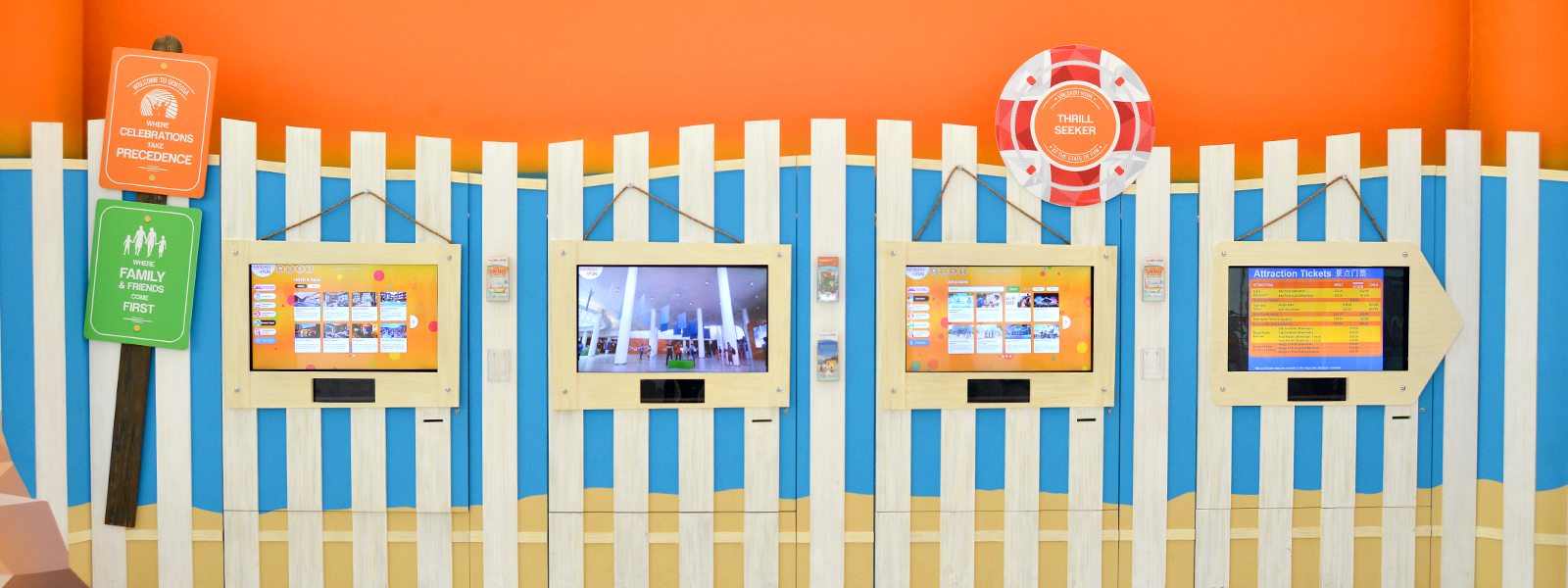
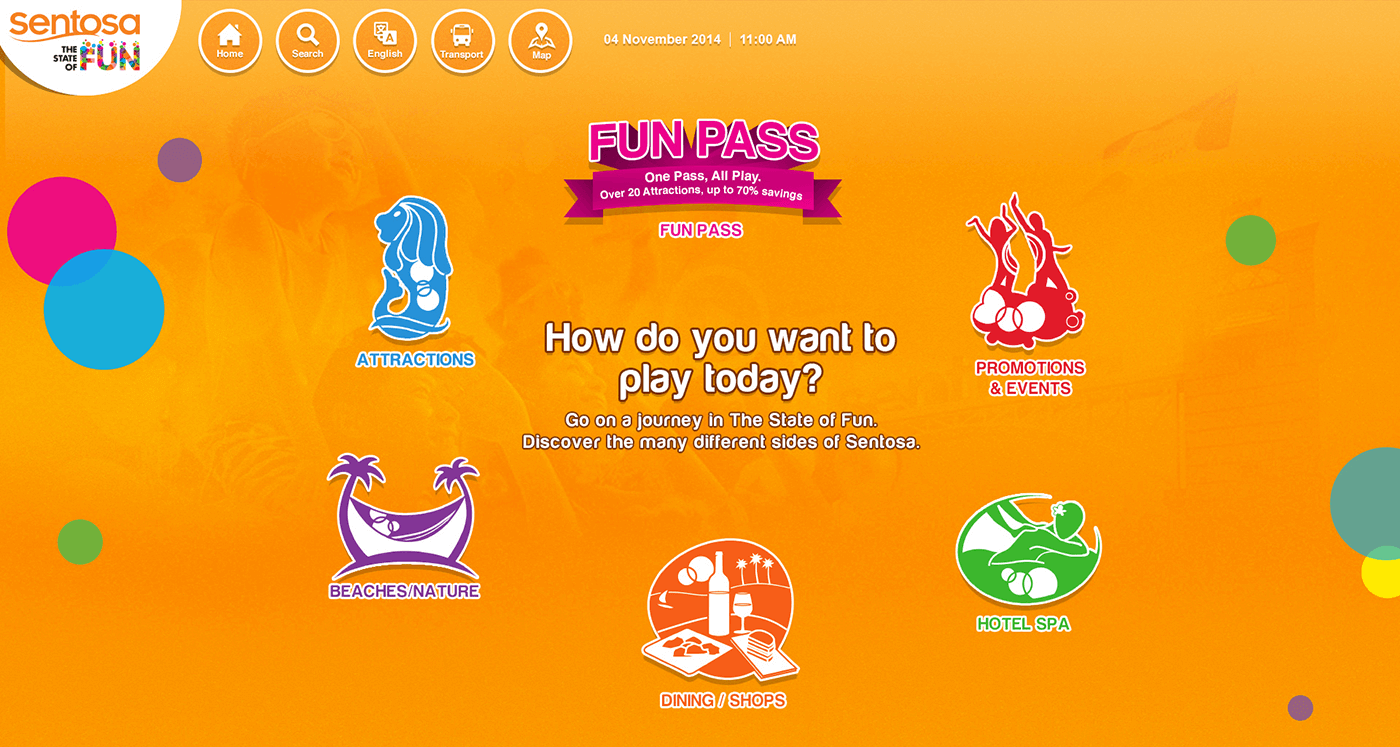
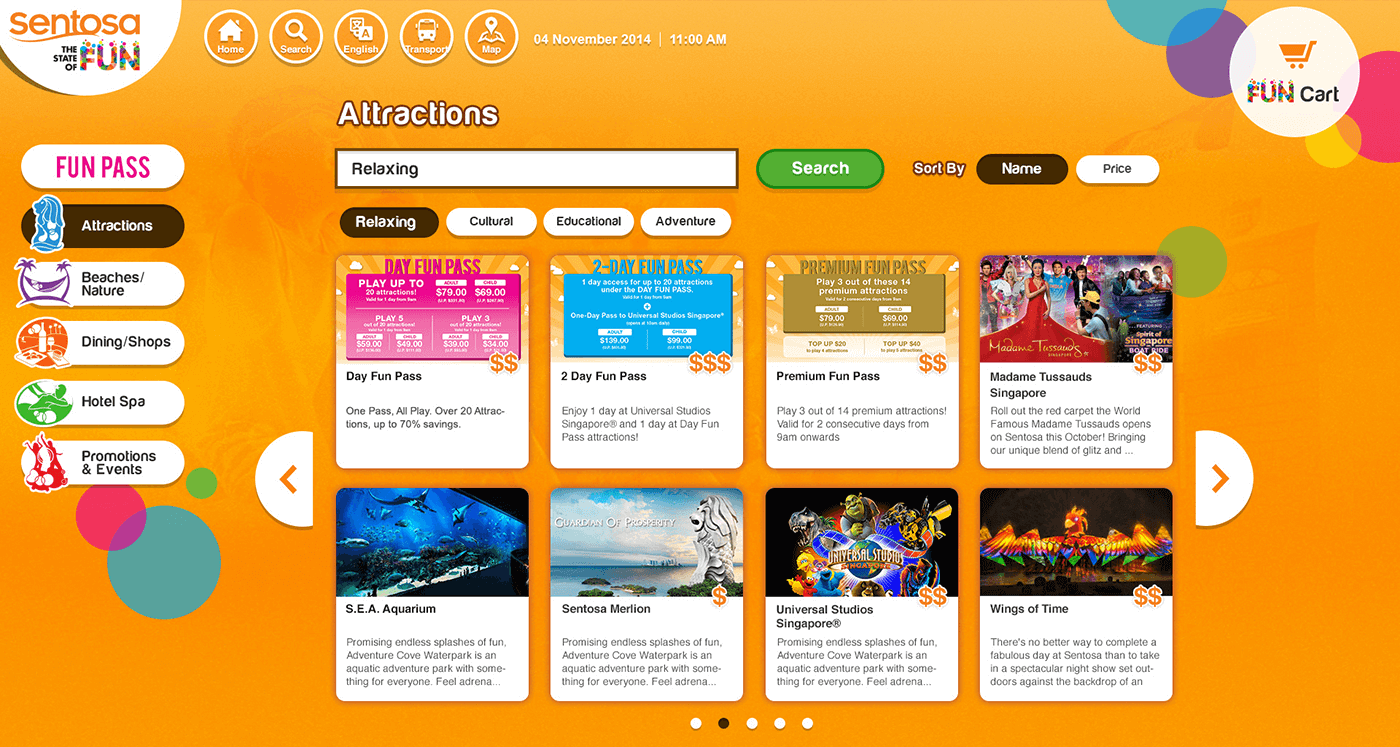
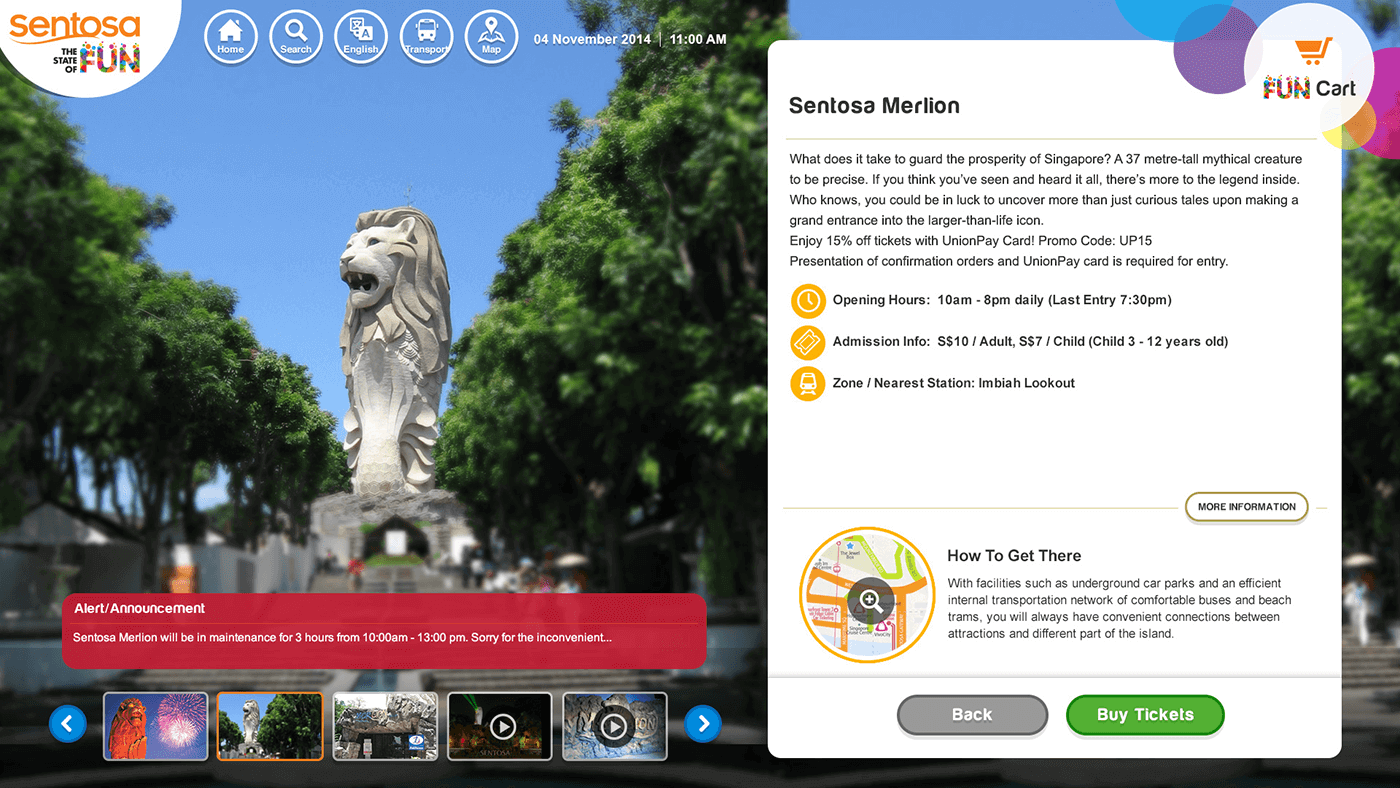
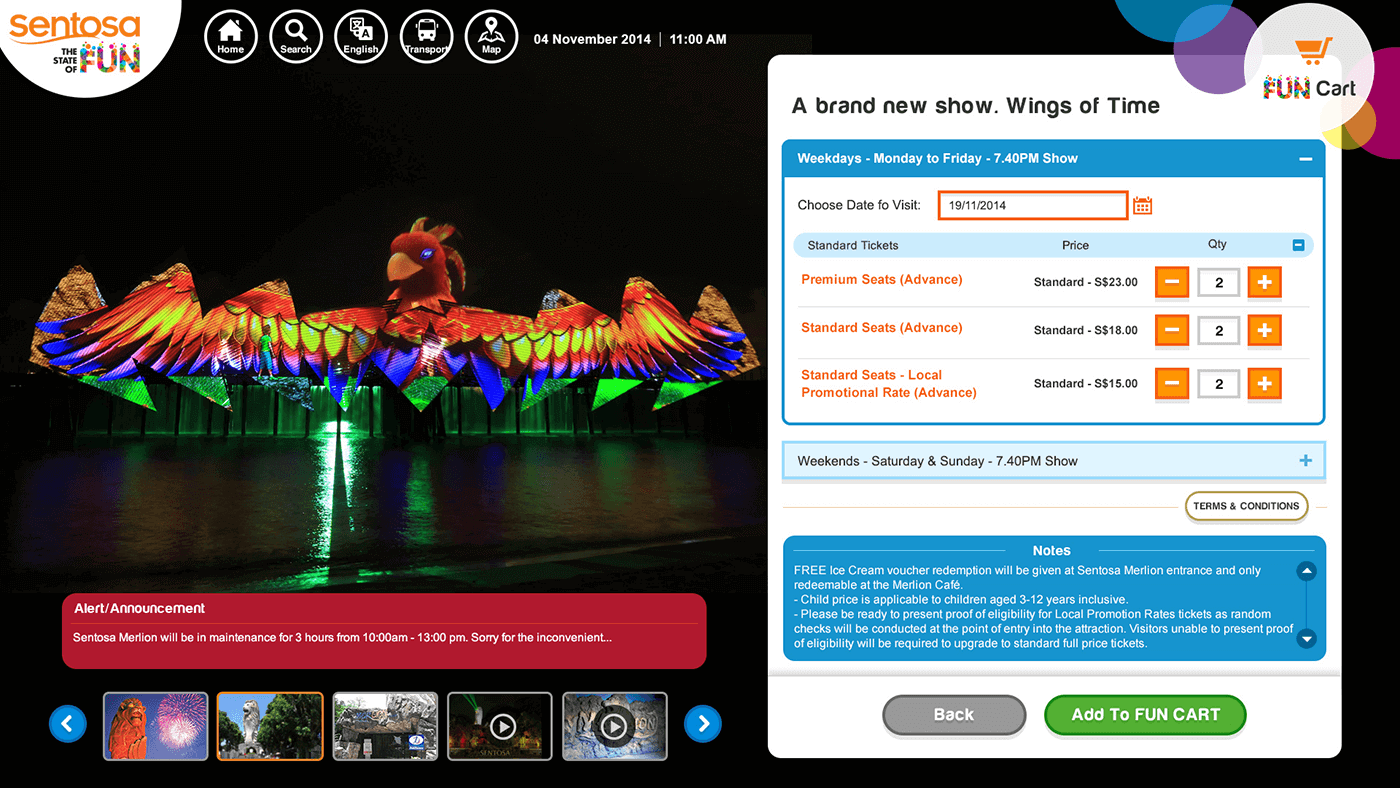
42 inch of Browsing screen to provide interactive information to the tourist using Kinect technology. Add the tickets of Funpass / attractions / events / promotions to their fun cart, printing the receipt with barcode.
Ticketing Kiosk:
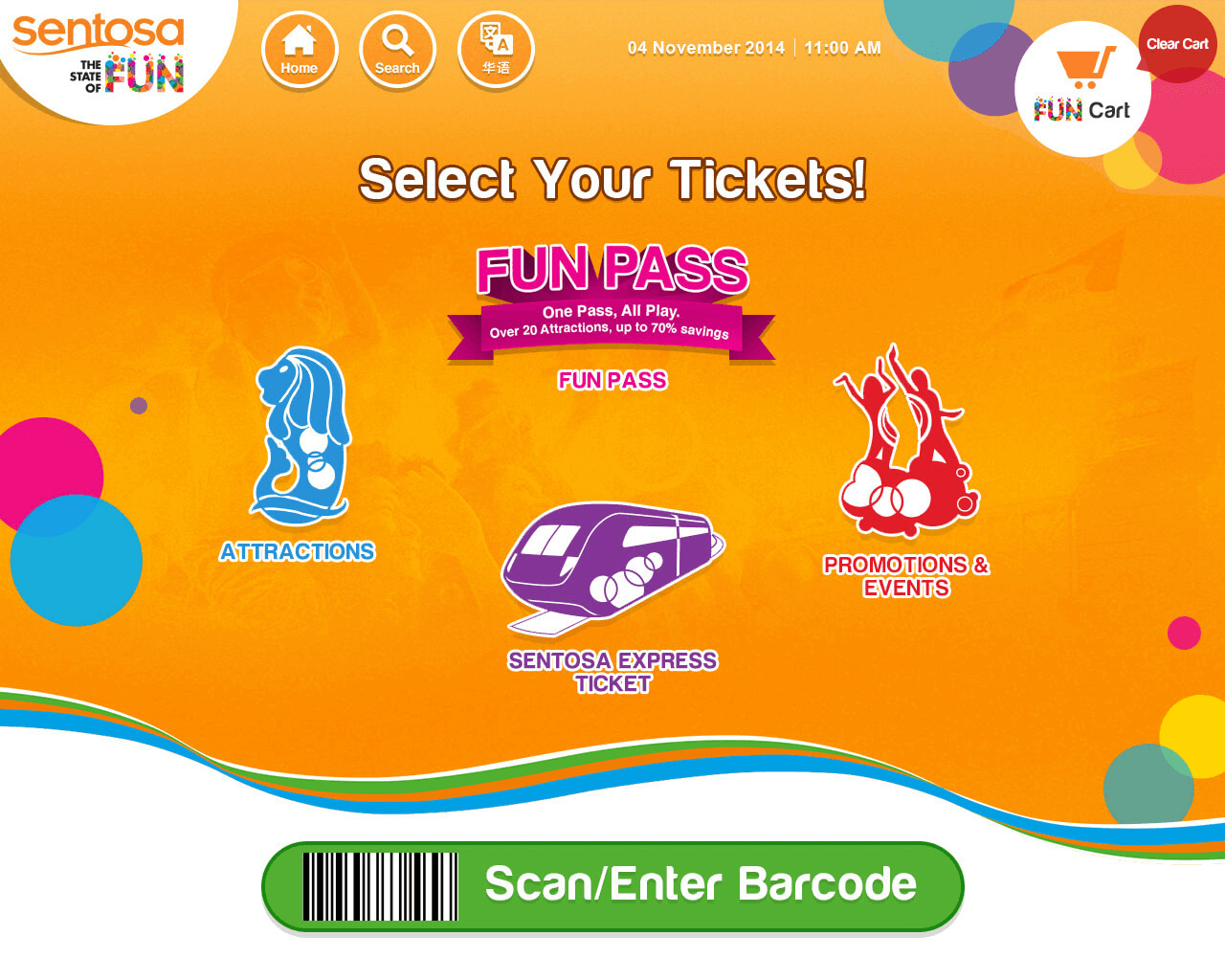
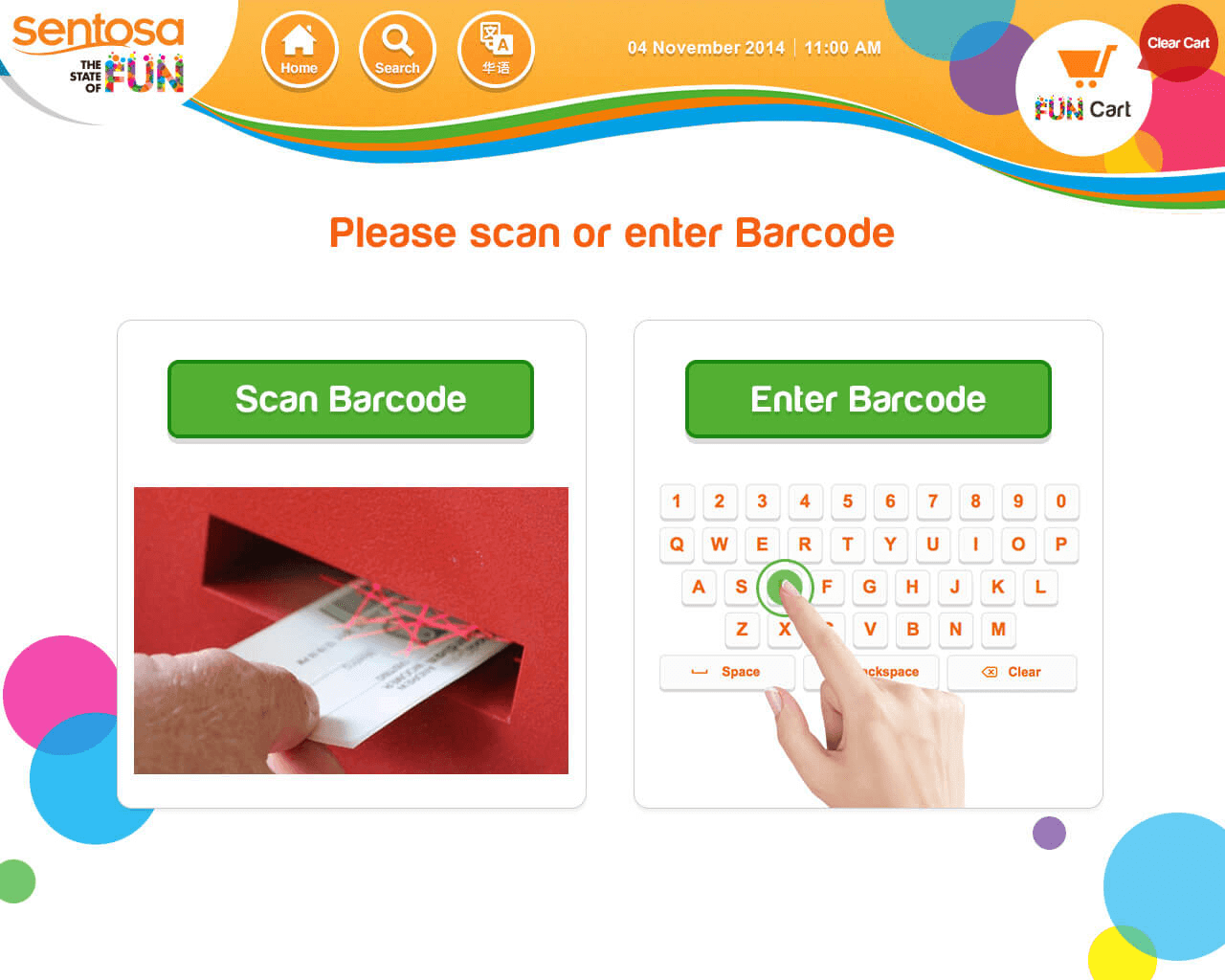
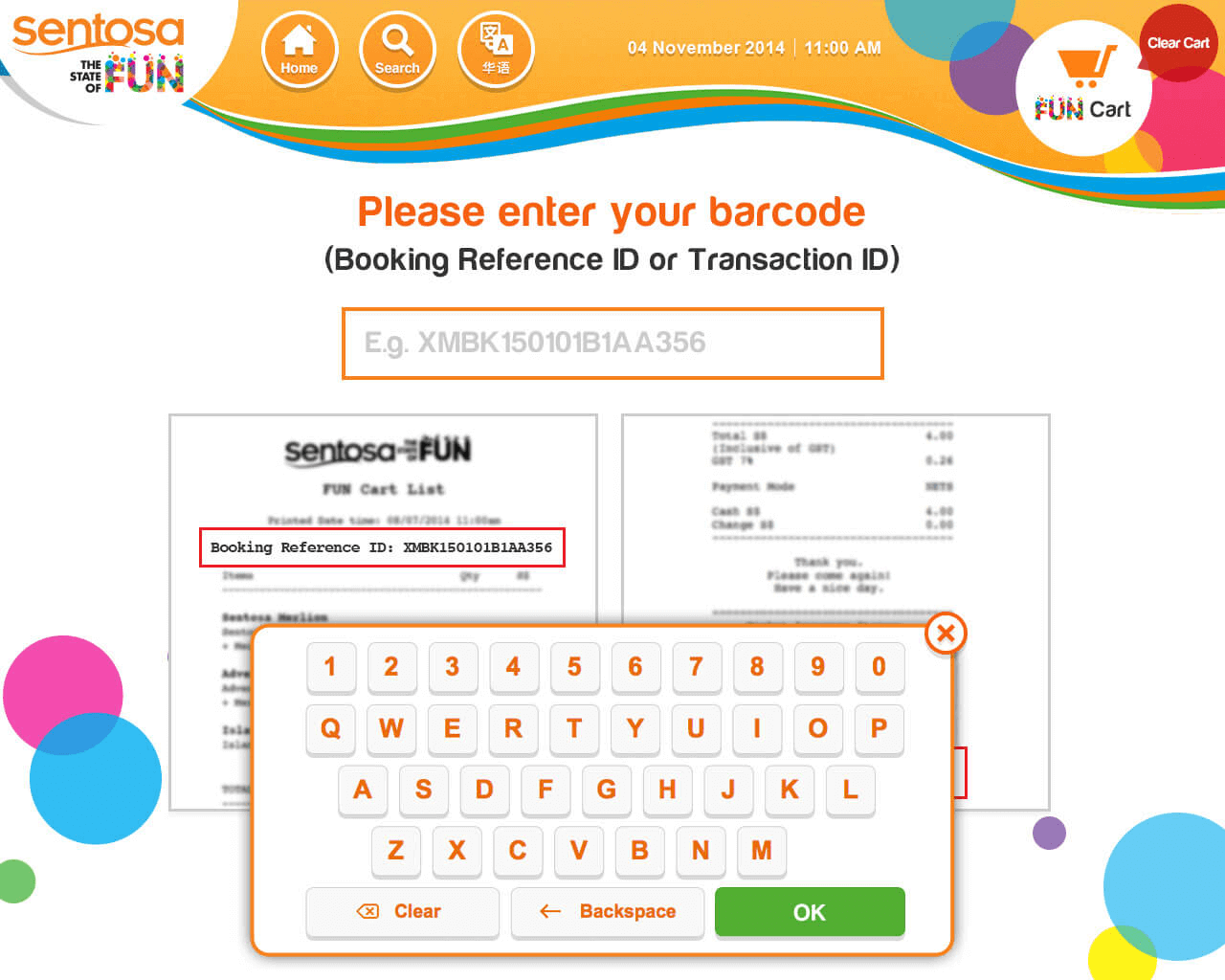
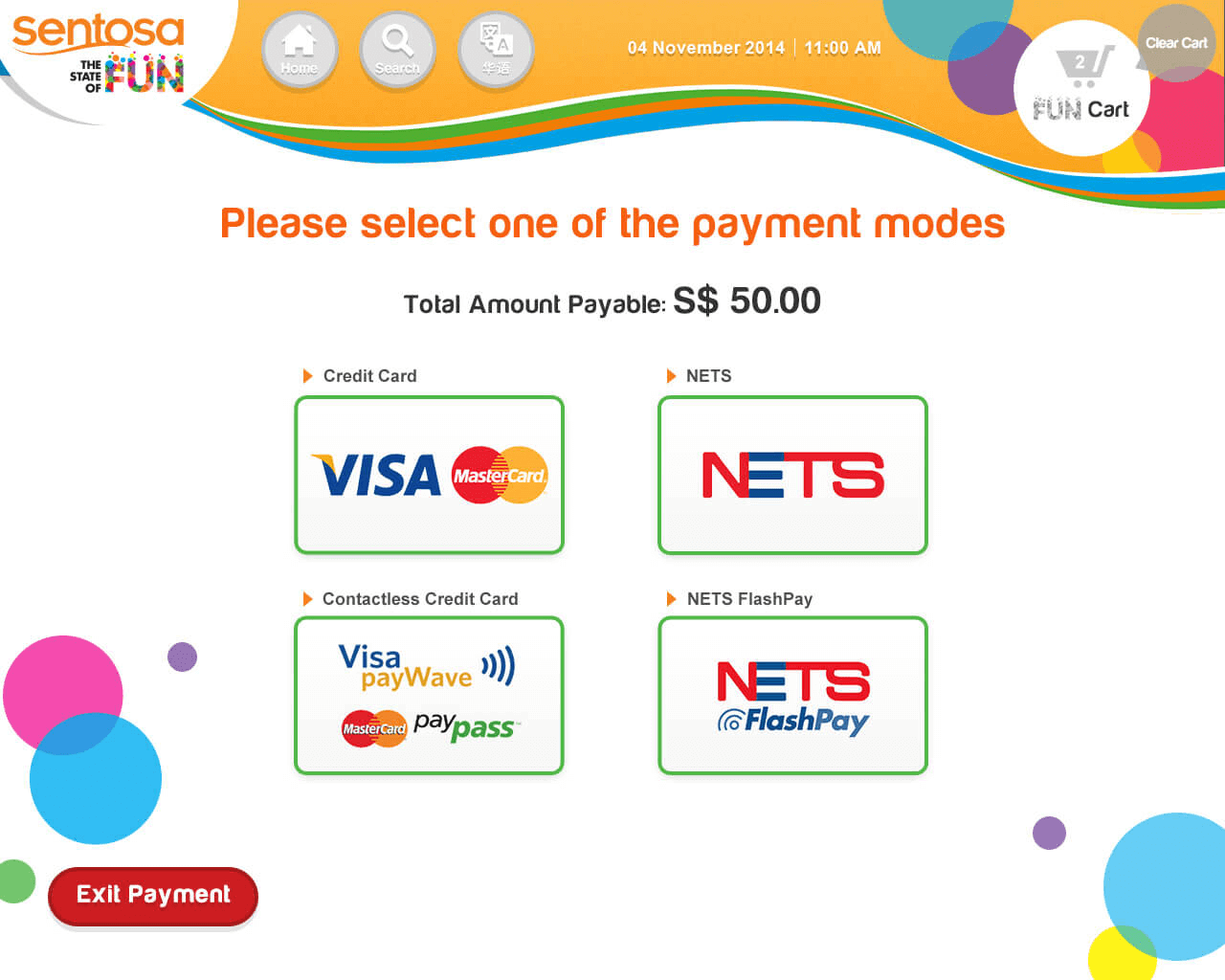
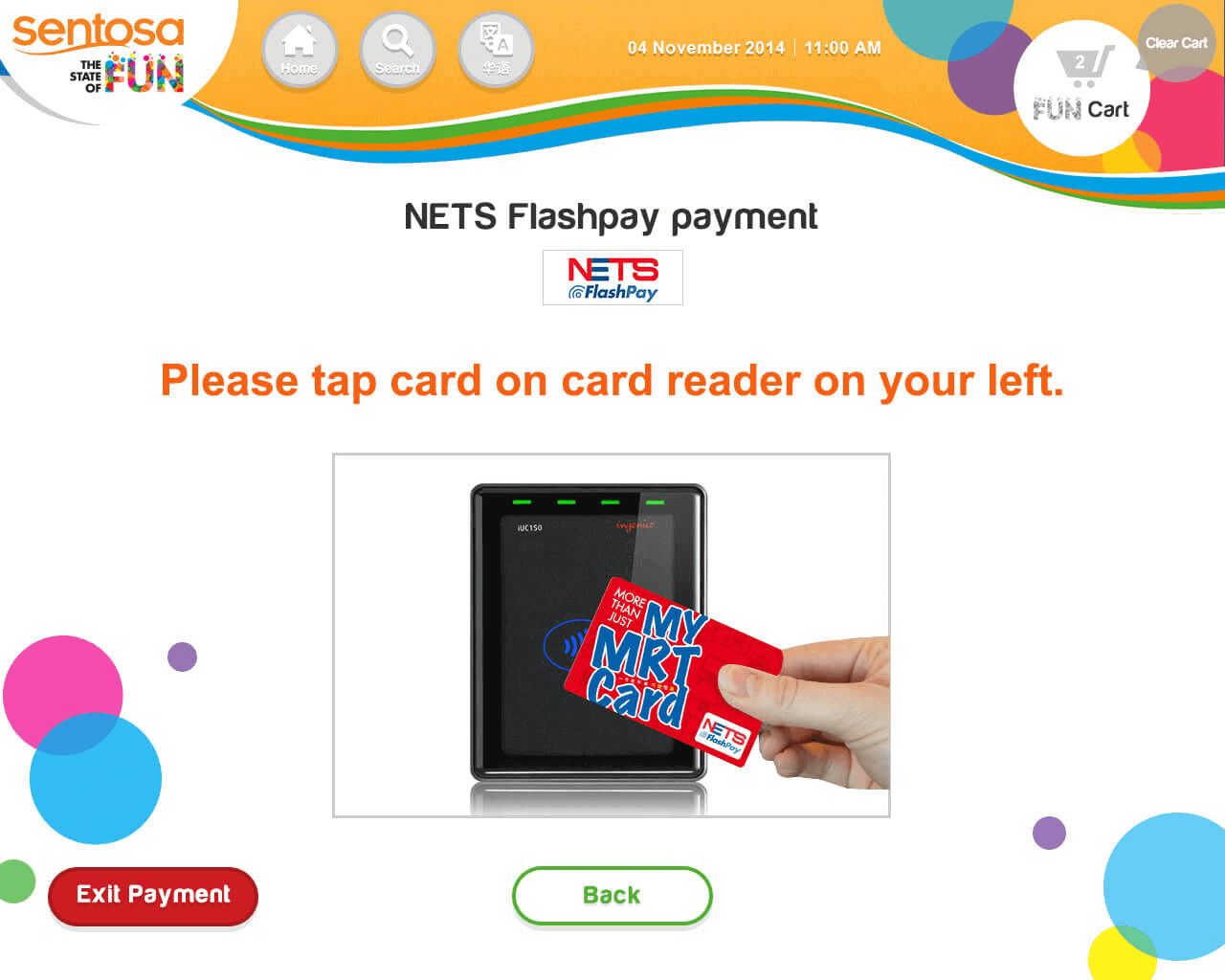
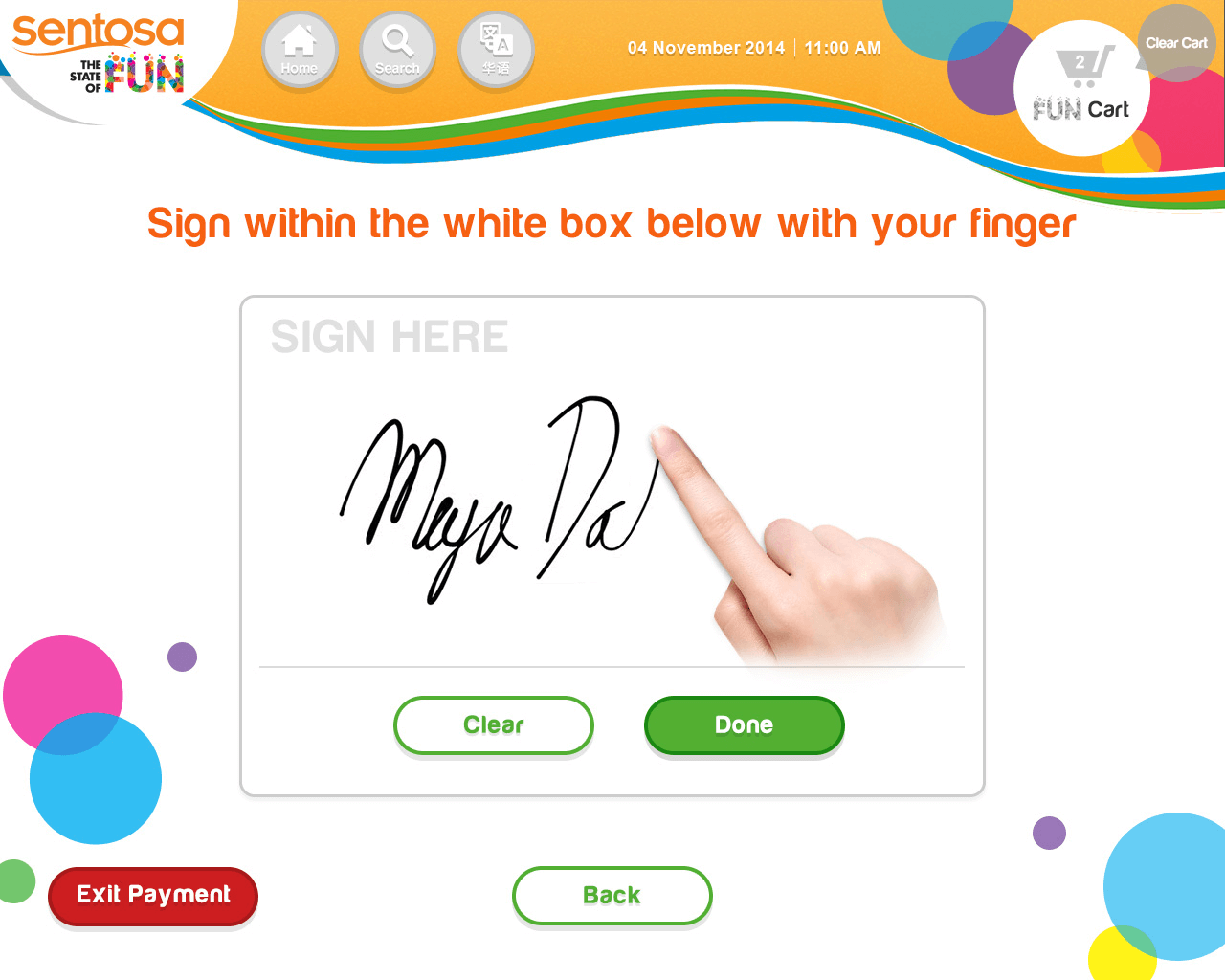
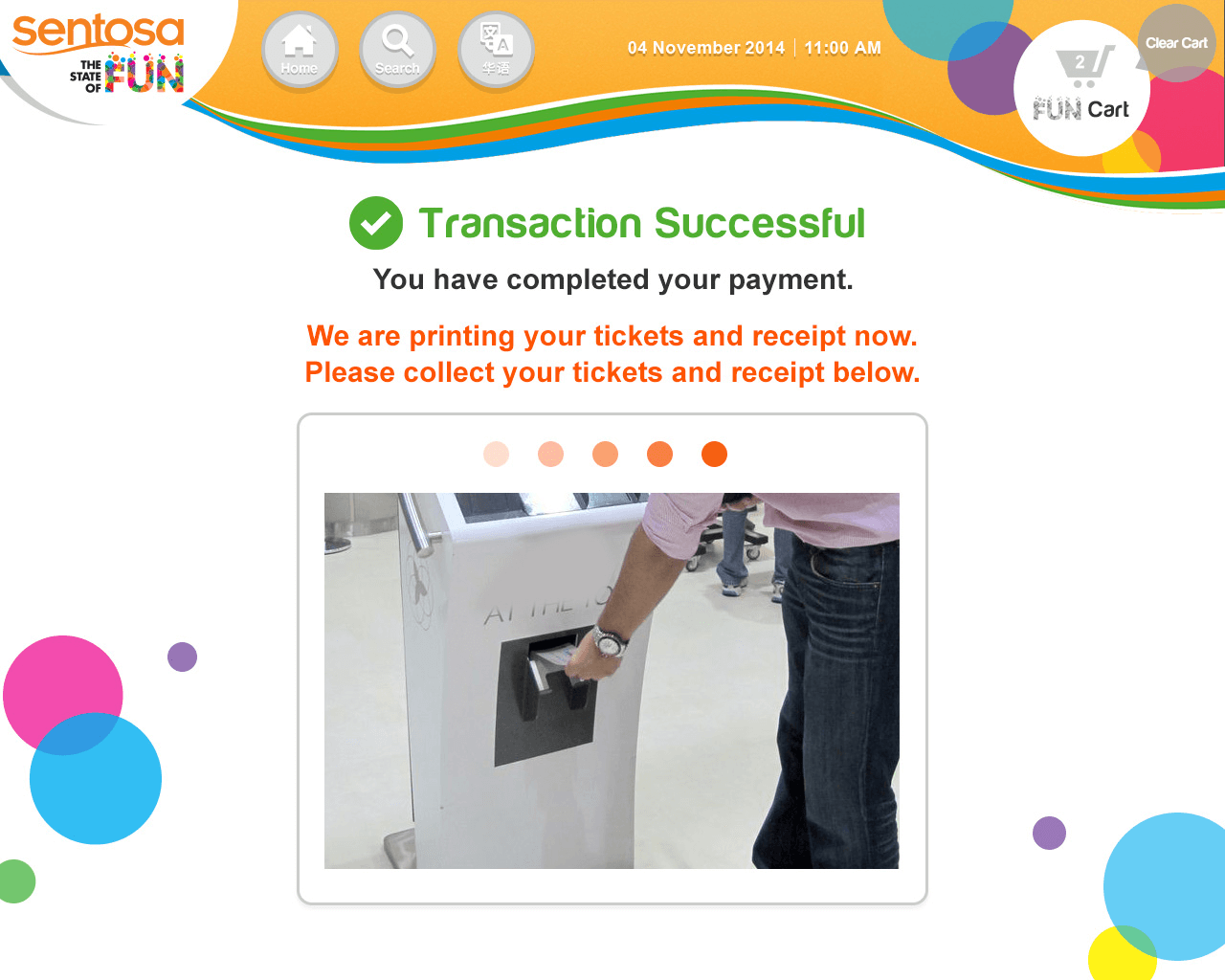
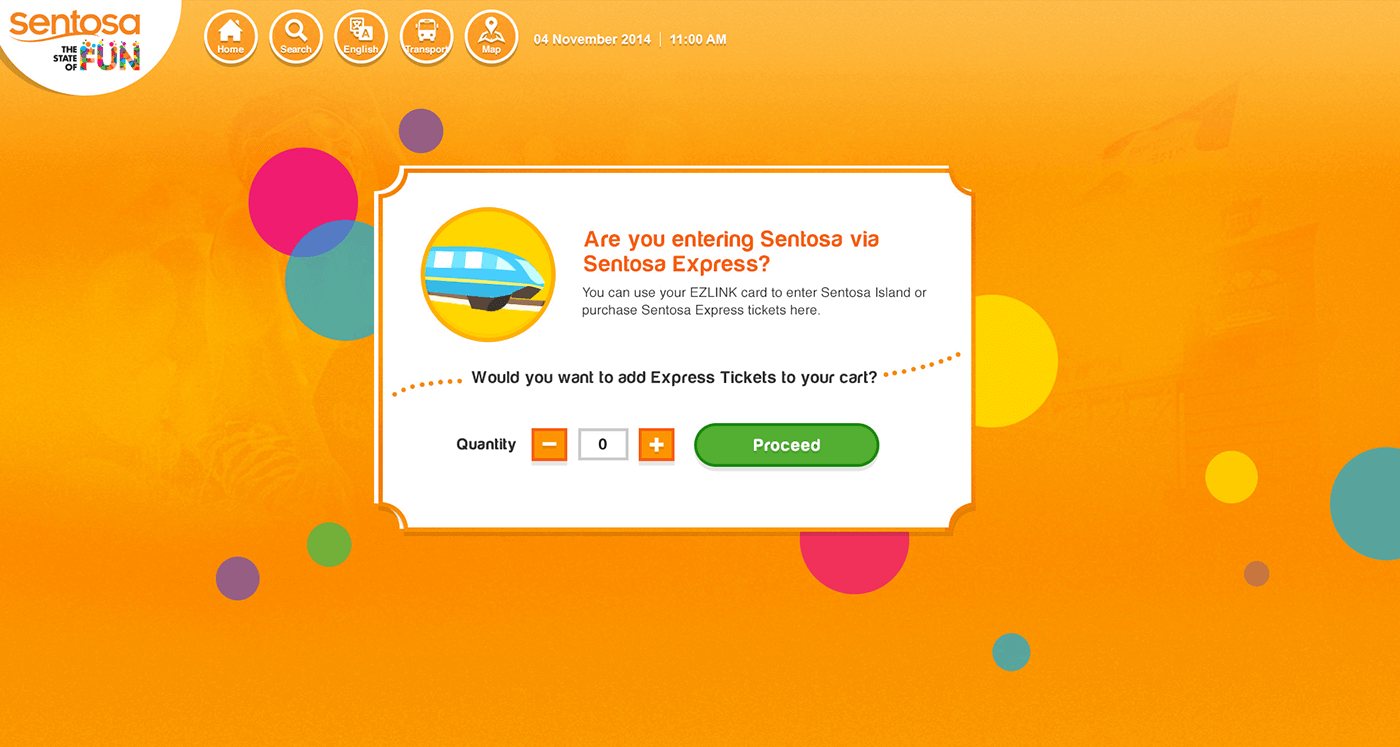
Using 19 inch touch screen. Scan the receipt or enter the barcode from Sentosa Online Store to print the tickets or Scan the receipt or enter the barcode from Sentosa Browsing Screen to pay and print the tickets. Ticketing Kiosk supports multiple cashless payment (Credit Card, Nets, FlashPay, PayWave). Tourist can buy the tickets of Funpass, attractions, events and Sentosa Express.
My Contributions
I worked this project from UI design to frontend static pages' html and CSS coding. I got requirement from a manager. After finished my work, I passed it to a frontend developer.
My Role
UI/UX Design • Html/CSS coding
Timeline
Aug 2014 - Mar 2016
Main Flowchart
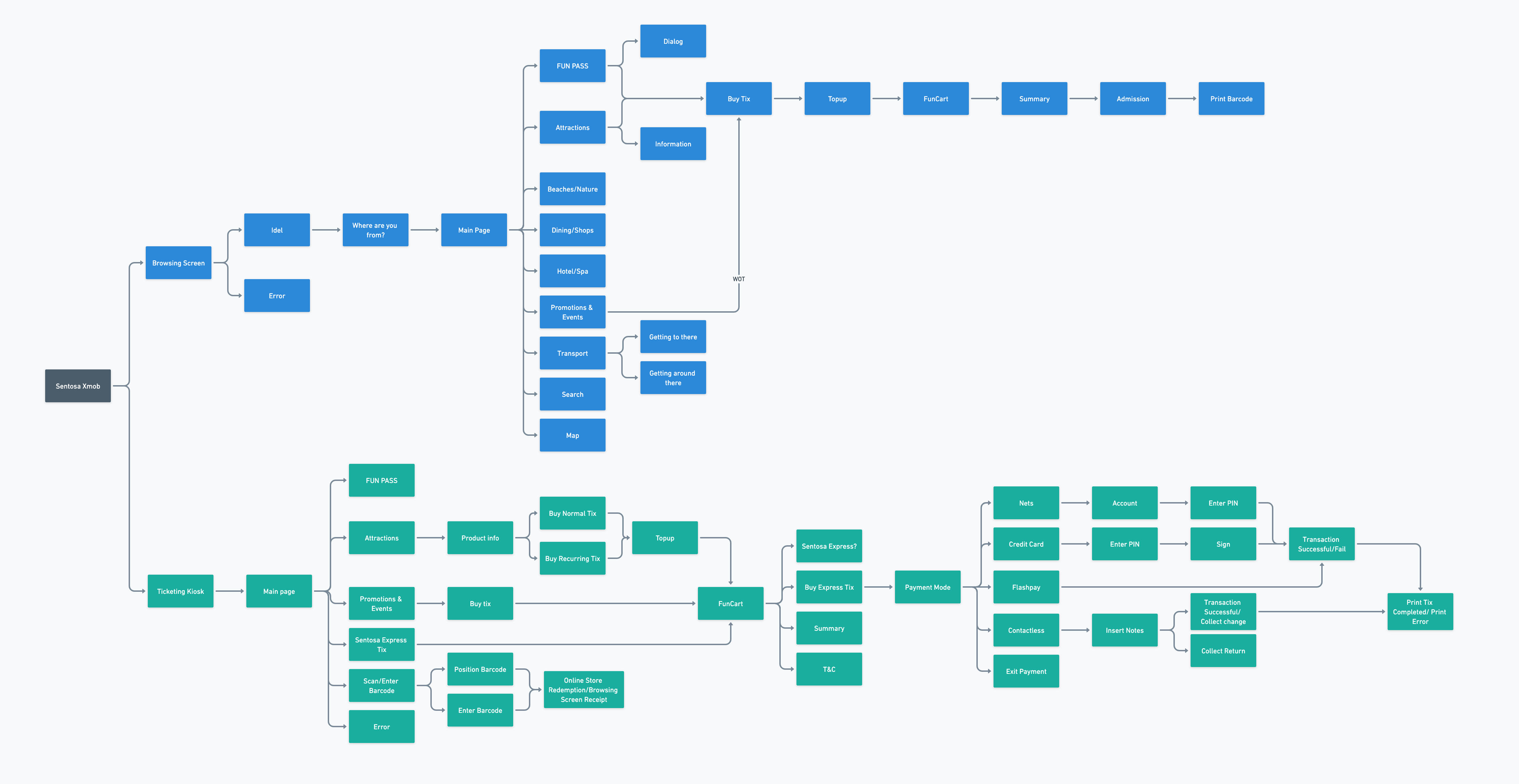
After proceeding to do the proposal, I made this flowchart to let the client and other team member know how the web application work.
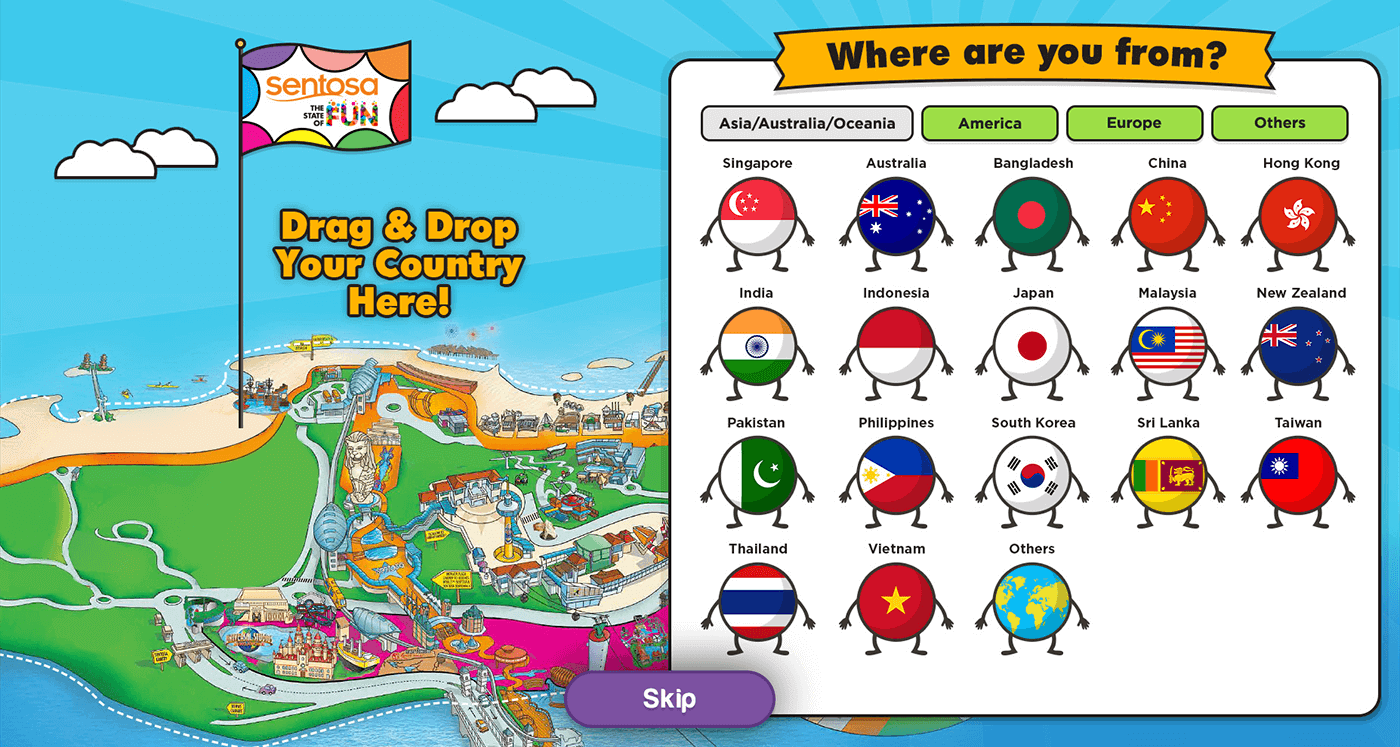
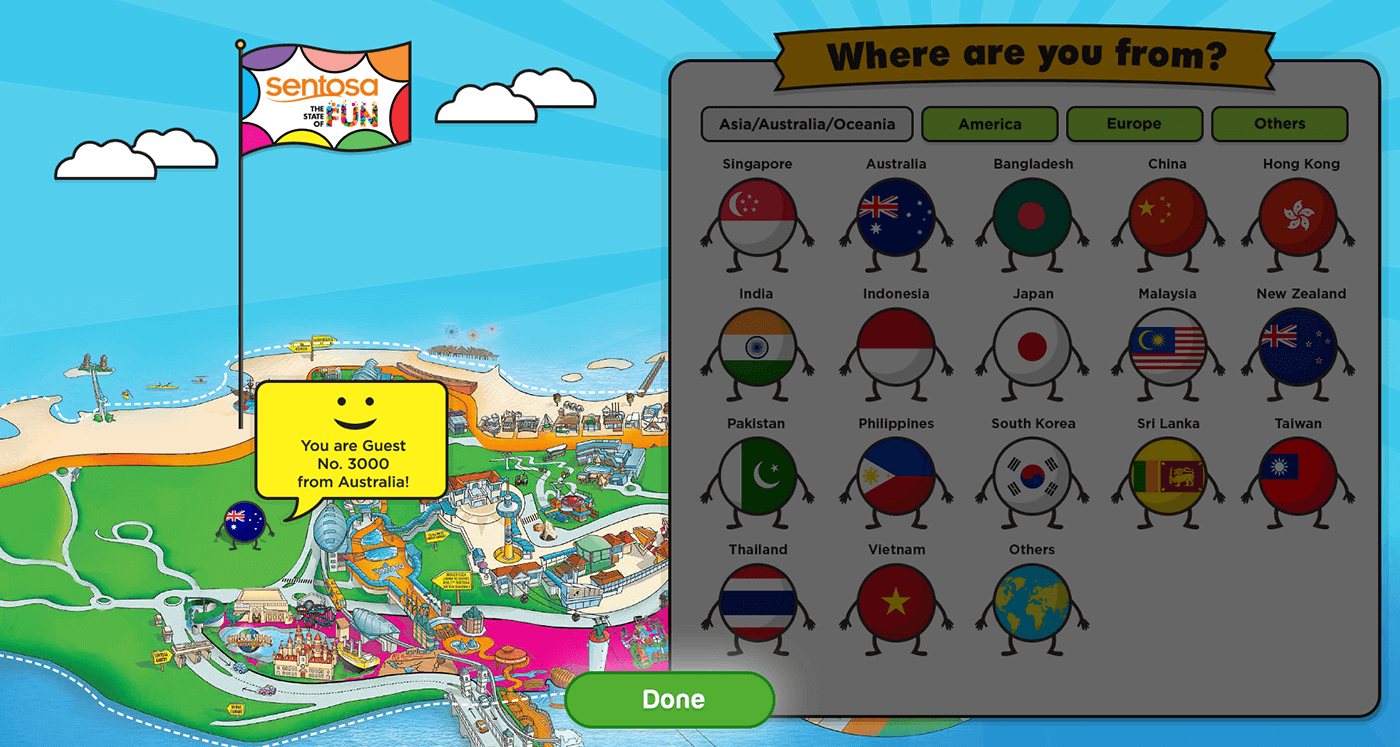
Final UI - Browsing Screen
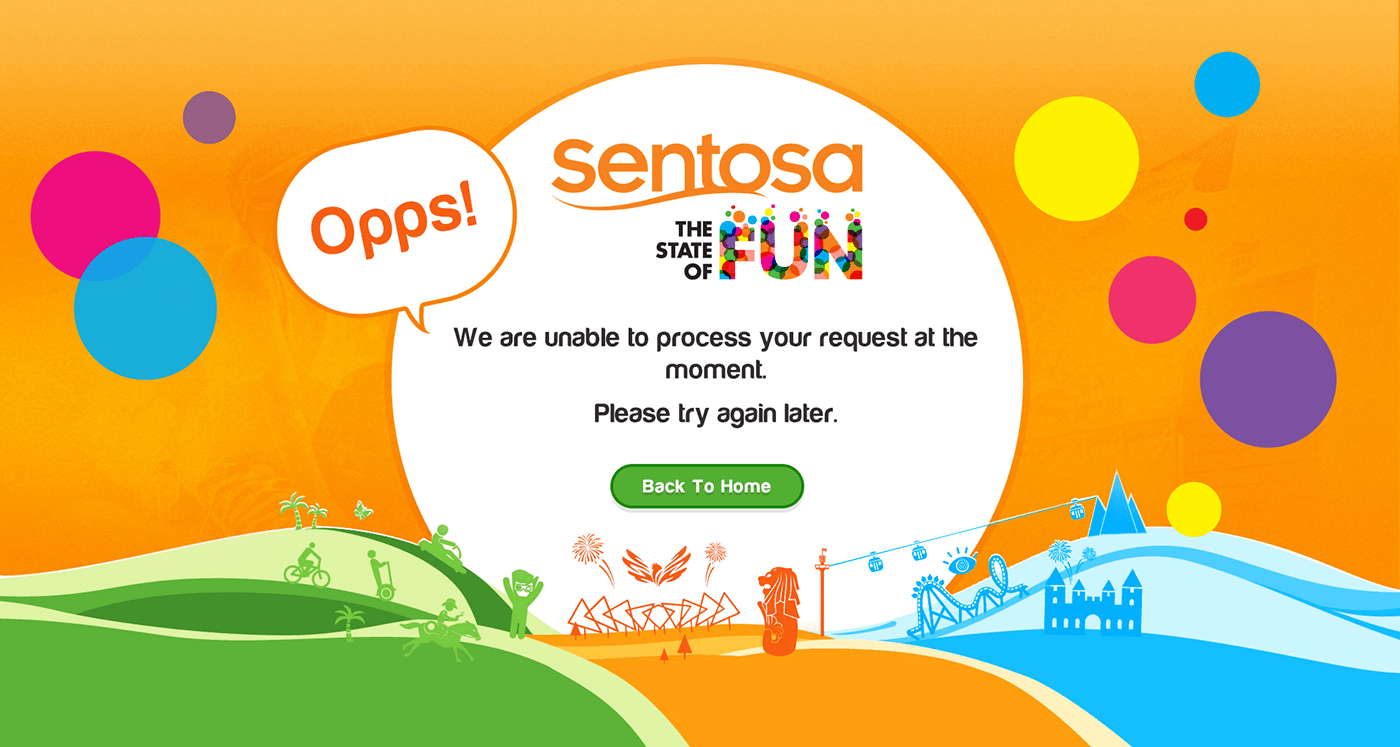
Browsing Screen had 30+ pages. There were a lot of animations in pages like flowing flag / moving clouds / little people waving hands in WhereRUF page, bubbles keeping moving in Home page, bubble bursting in Error page.
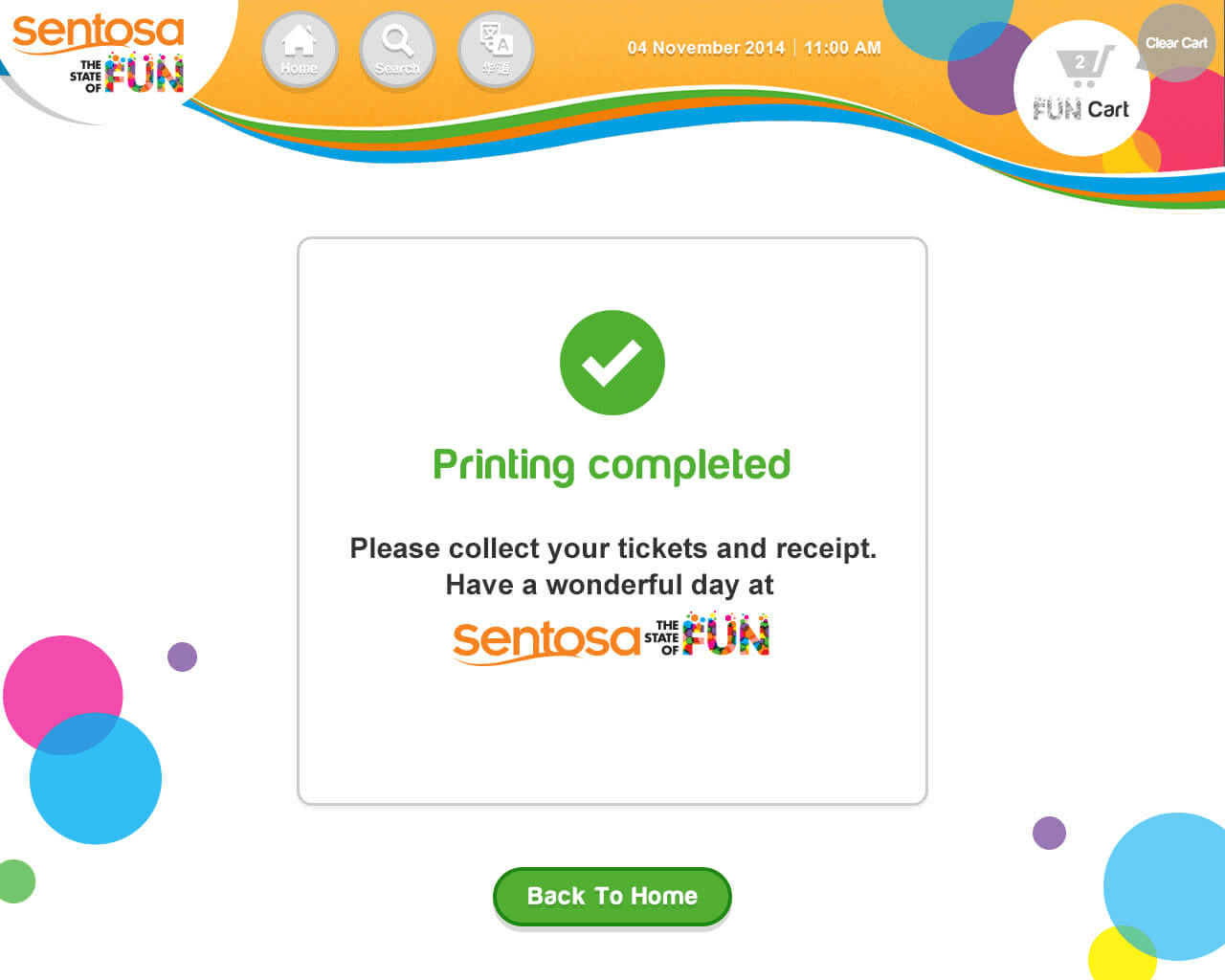
Final UI - Ticketing Kiosk
Ticketing Kiosk had 50+ pages. It aims to let travellers get the tickets quickly.